Table of Contents
Checking your SASSA grant status doesn’t need to be a headache. You don’t need to visit a crowded office or struggle with a slow website. In 2025, the easiest and most reliable method is right in your pocket: WhatsApp.
This guide provides the official, verified SASSA WhatsApp number and walks you through the exact steps to check your SRD R350 (or R370) status instantly.
The Official SASSA WhatsApp Number for 2025
Save this number immediately. This is the only official WhatsApp line for SASSA status checks.
082 046 8553
Save as "SASSA Status Check"
WARNING: Do not send your ID number to any other “unofficial” WhatsApp numbers or groups. Scammers often pretend to be SASSA to steal your personal information. Only use the number above.
Step-by-Step: How to Check Status on WhatsApp
Follow these simple steps to get your status report in less than a minute:
1. Add the Number
Open your phone’s contacts and add 082 046 8553 as a new contact. Name it “SASSA”.
2. Send a Message
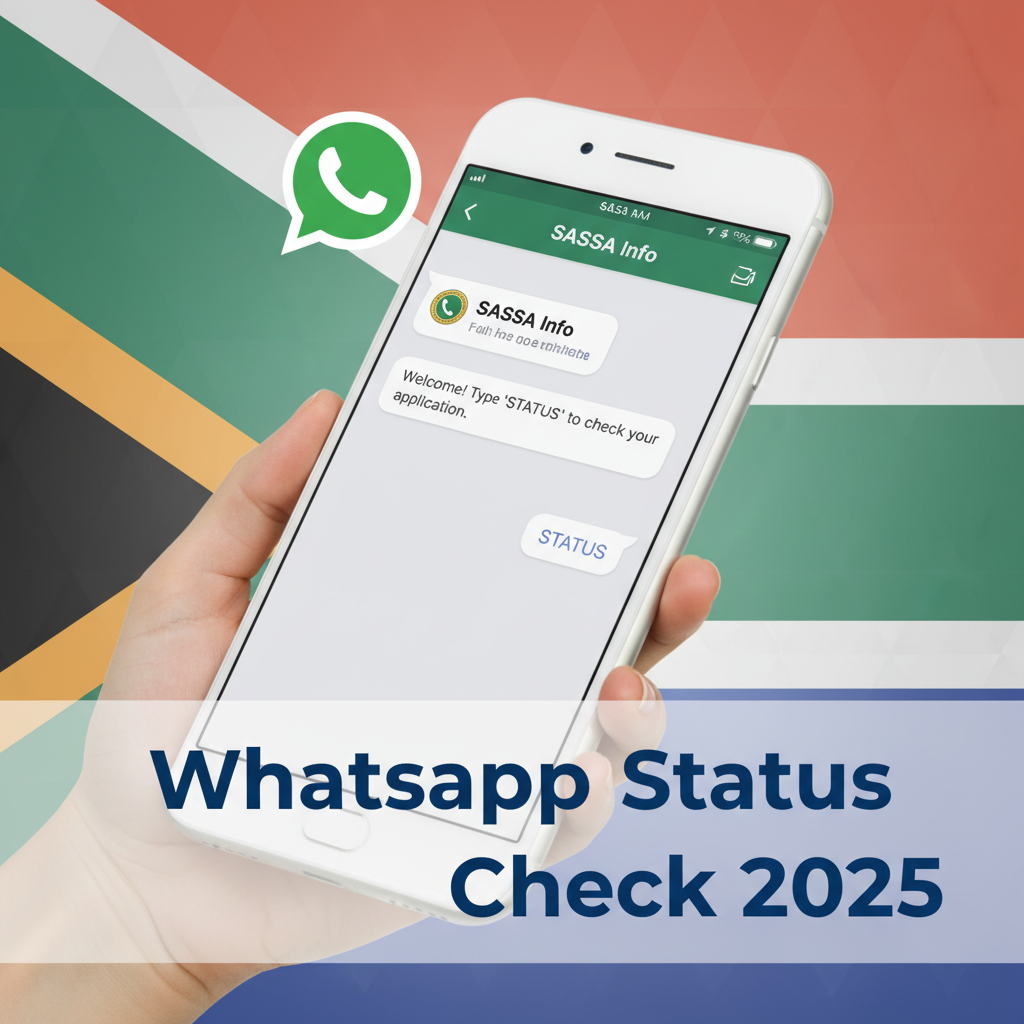
Open WhatsApp and find the new “SASSA” contact. Send the word “SASSA” or “STATUS” to the number.
3. Follow the Prompts
An automated chatbot will reply immediately. It will usually present you with a menu of options, such as:
- Apply for a grant
- Check status
- Bank details
Reply with the number corresponding to “Status Check” (usually option “2” or by typing “Status”).
4. Enter Your Details
The bot will ask for:
- Your ID Number: Enter your 13-digit South African ID number (only the numbers, no spaces).
- Your Phone Number: Enter the cell phone number you used when you applied for the grant.
5. Get Your Result
Within seconds, the system will reply with your status for the current month (and often previous months).
What Your WhatsApp Result Means
- Approved: Good news! Your grant is processed. Check the “Pay Date” to see when the money will be in your account.
- Declined: Unfortunately, your application was rejected for that month. The message will give a reason (e.g., “Alternative Income Source”). You have 30 days to lodge an appeal.
- Pending: Your application is still being verified. Check again in 2-3 days.
Troubleshooting: WhatsApp Not Working?
Sometimes the WhatsApp line is busy or down due to high traffic (especially on payment dates). If you don’t get a reply:
- Wait 15 Minutes: The system might just be slow.
- Check Your Internet: Make sure you have data or a WiFi connection.
- Use the USSD Code: If WhatsApp fails, dial *134*7737# on your phone. It works without data!
- Use the Website: Go to the official SRD website as a backup.
Frequently Asked Questions
Is the SASSA WhatsApp number free to use?
Can I change my banking details via WhatsApp?
What are the SASSA WhatsApp working hours?
Why is the SASSA WhatsApp not replying?
Read Next
Home Affairs ID Crisis 2026: Your R390 SASSA Grant Now Blocked? Your Emergency Plan
BREAKING March 2026: A catastrophic system failure at the Department of Home …
Stage 8 Blackout: Your March 2026 SASSA R390 Payment is Trapped. The Ultimate Survival Guide.
BREAKING March 2026: Eskom has plunged South Africa into an unprecedented Stage …
Comments & Discussions