Table of Contents
Checking your SASSA grant status doesn’t need to be a headache. You don’t need to visit a crowded office just to try the mobile channel. In 2026, one available method is right in your pocket: WhatsApp.
This guide provides the current, verified SASSA WhatsApp number and walks you through the steps to check your SRD R370 status. The menu can change, so always follow the prompts shown on your phone.
The Official SASSA WhatsApp Number for 2026
Save this number immediately. This is the only official WhatsApp line for SASSA status checks.
082 046 8553
Save as "SASSA Status Check"
WARNING: Do not send your ID number to any other “unofficial” WhatsApp numbers or groups. Scammers often pretend to be SASSA to steal your personal information. Only use the number above.
Step-by-Step: How to Check Status on WhatsApp
Follow these simple steps to get your status report in less than a minute:
1. Add the Number
Open your phone’s contacts and add 082 046 8553 as a new contact. Name it “SASSA”.
2. Send a Message
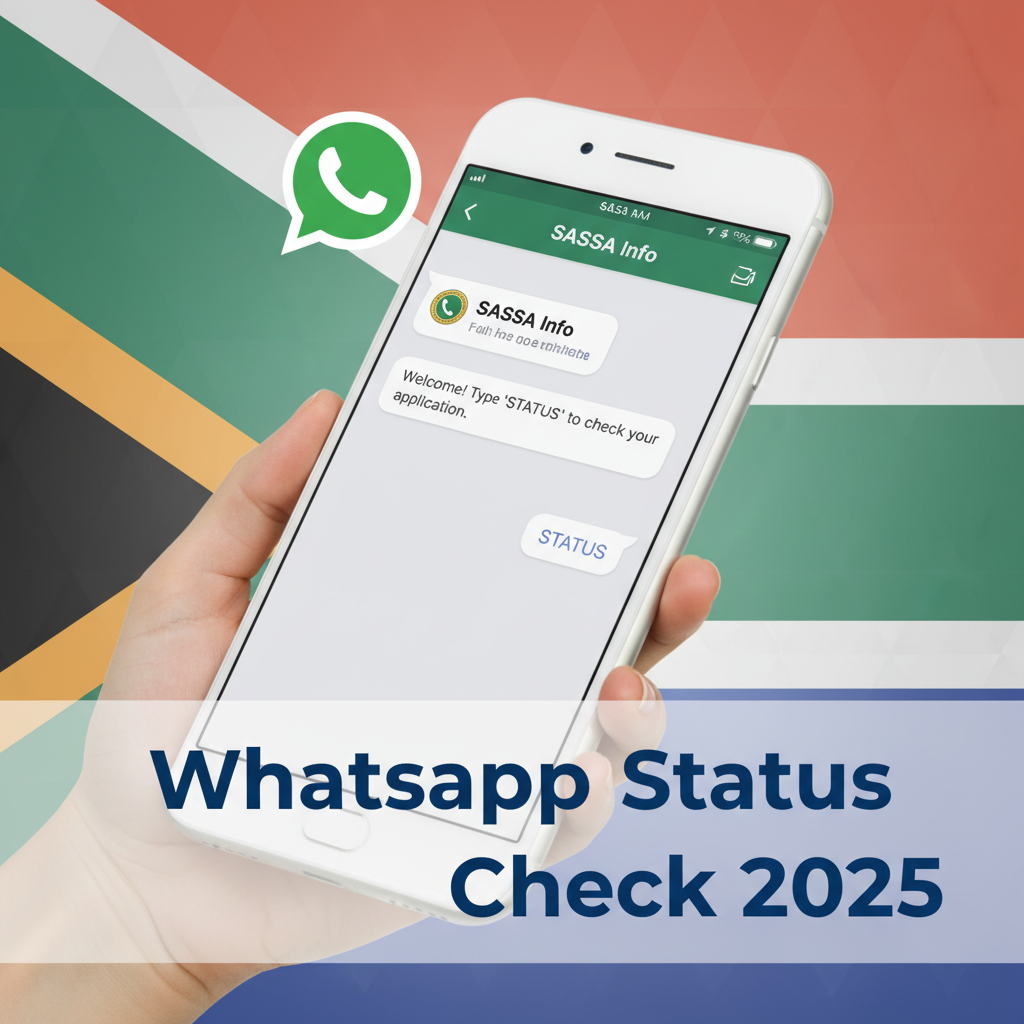
Open WhatsApp and find the new “SASSA” contact. Send the word “SASSA” or “STATUS” to the number.
3. Follow the Prompts
The automated service should present a menu of options, such as:
- Apply for a grant
- Check status
- Bank details
Choose the option labelled “Status Check”. Follow the wording on your screen instead of relying on an old option number.
4. Enter Your Details
The bot will ask for:
- Your ID Number: Enter your 13-digit South African ID number (only the numbers, no spaces).
- Your Phone Number: Enter the cell phone number you used when you applied for the grant.
5. Get Your Result
If the service is available, it will return the status linked to the details you entered.
What Your WhatsApp Result Means
- Approved: Good news! Your grant is processed. Check the “Pay Date” to see when the money will be in your account.
- Declined: Unfortunately, your application was rejected for that month. The message will give a reason (e.g., “Alternative Income Source”). You have 30 days to lodge an appeal.
- Pending: Your application is still being verified. Check again in 2-3 days.
Troubleshooting: WhatsApp Not Working?
If the WhatsApp service does not reply, check your data, verify 082 046 8553, and start one fresh chat. Do not keep sending your ID number to a silent or unverified contact.
Use our dedicated SASSA WhatsApp not replying guide for the full checklist, or go directly to the official SRD status website.
Frequently Asked Questions
Is the SASSA WhatsApp number free to use?
Can I change my banking details via WhatsApp?
What should I do if SASSA WhatsApp does not reply?
Why is the SASSA WhatsApp not replying?
Read Next
SASSA June Payment Update: June 2026 Payment Cycle Confirmed
The June 2026 SASSA payment cycle is confirmed for 2, 3 and 4 June 2026 for the …
The R50 Billion Food Waste SHOCK: Why Your R390 SASSA Grant Can't Buy Food While SA Throws It Away
BREAKING May 2026: A shocking new report reveals South Africa wastes over R50 …
Comments & Discussions